
Import an Airbnb Listing into The Guest Guide
Paste an Airbnb listing URL into The Guest Guide to start from listing details, or enter your property information manually. Review the resulting notes before making the guest chat available.
Create your guest assistant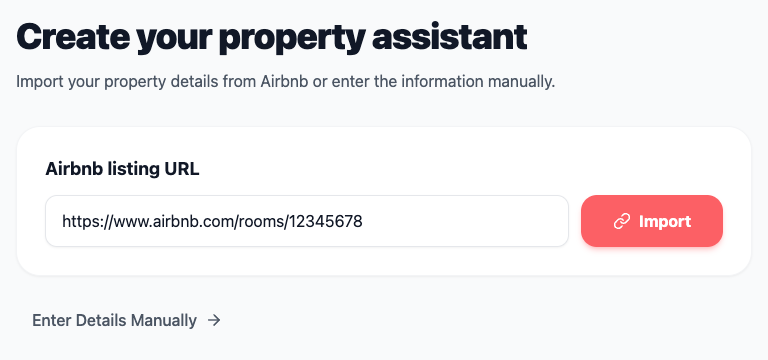
Use the listing as a first draft
The listing describes the property to potential guests. The assistant needs specific answers for people already staying there. Change “easy parking” to the correct bay, add directions from the car park to the door, and list equipment by the names guests will see on the controls.
Check the details against the property
Compare headline amenities, arrival times, accessibility details and pet rules with your current setup. Add what you tell guests privately about ordinary use while keeping reservation codes and personal data out of reusable notes. If the listing can't be imported, use the manual entry option and start with a short house manual.
Repeat the check when details change
When a parking bay is reassigned or the Wi-Fi network changes, update the saved property notes and ask a question in guest view. Treat listing import as setup and verify saved content after later edits to the listing.
Related guides
- AI Assistant for Airbnb Hosts
Create a property-specific AI assistant that answers guest questions about check-in, parking, Wi-Fi and house rules through a guest chat link.
- Digital House Manual for Short-Term Rentals
Write clear operating instructions for appliances, heating, parking and checkout, and reuse them in your property’s guest assistant.
- What to Check After Importing an Airbnb Listing
Review imported listing information against real property conditions, then add the guest-facing details that a listing may omit.